Skip to content



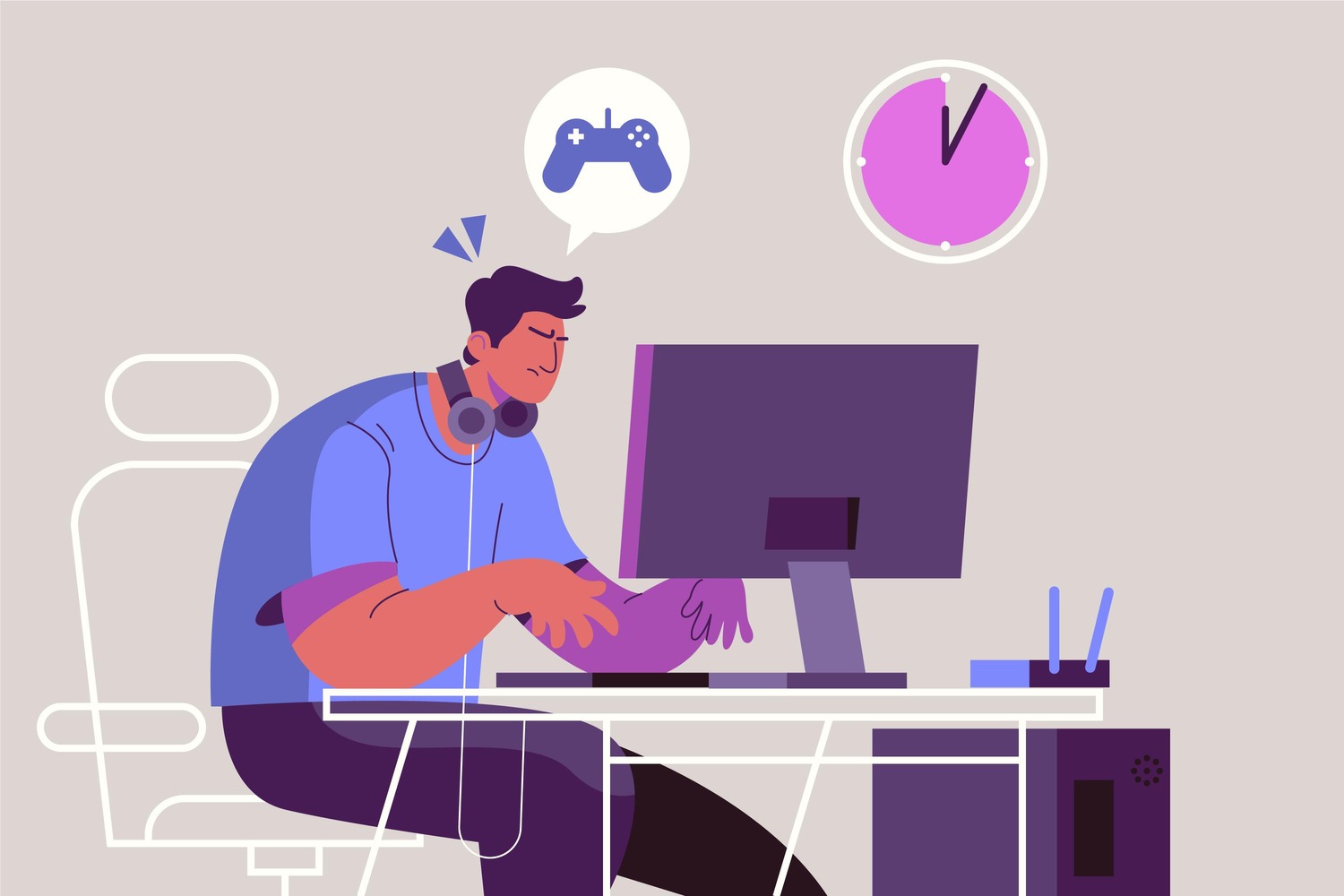
Ping in gaming is the time it takes for data to travel from your device to the game server and back, measured in milliseconds. Every action you take whether shooting, jumping, or casting an ability gets sent to the server before it registers in the game. The lower that round trip time, the more responsive your game feels. High ping means your commands arrive late and opponents with better connections react faster than you every single time.
Quick Facts
- Ping is measured in milliseconds (ms) and represents a complete round trip from your device to the game server and back.
- A ping under 50ms is considered good for competitive gaming. Anything above 100ms creates a noticeable disadvantage in fast-paced titles.
- In esports-level matches, a difference of just 20ms versus 60ms ping can decide a gunfight in games like Counter-Strike 2 and Valorant.
- Wi-Fi 7 introduced Multi-Link Operation in 2024, allowing devices to transmit across multiple frequency bands at once and significantly reducing latency spikes.
- The global online gaming market is projected to surpass $300 billion by 2026, making low-latency infrastructure one of the most commercially significant areas in consumer technology.
- A ping of 200ms or above makes competitive play nearly unplayable, causing rubber-banding, shot registration failure, and visible character stuttering.
What Is Ping in Gaming and Why Does It Matter
Ping in gaming is not the same as internet speed. A connection can be fast at downloading files and still have terrible latency in a real-time match. Speed measures how much data moves. Ping measures how quickly your connection responds. For online gaming, ping is the number that actually matters.
The Difference Between Ping, Latency, and Lag
These three terms get used interchangeably but they are not identical. Latency is the general term for any delay in data transmission across a network. Ping is the specific measurement of that delay in milliseconds after a test packet travels to a server and returns. Lag is what you experience when ping climbs too high. Your character rubber-bands, your shots fail to register, and the game feels like it is running slightly behind everyone else in the lobby.
How the Round Trip Actually Works
When you press a button in an online game, your device sends a data packet to the game server. The server processes your input, updates the game state for all players, and sends a confirmation back. That entire round trip is your ping. At 30ms the trip took 30 thousandths of a second. At 200ms it took 0.2 seconds. That sounds small but in Call of Duty or League of Legends where fights resolve in fractions of a second, that delay is the difference between landing a shot and missing completely.
Why Some Games Are More Sensitive to Ping Than Others
First-person shooters like Valorant, Counter-Strike 2, and Apex Legends are the most sensitive to ping because every millisecond changes whether a shot registers. A player at 20ms will have their shot confirmed by the server before a player at 80ms even processes the outcome. MMORPGs like World of Warcraft and Final Fantasy XIV tolerate slightly higher ping because actions do not require the same split-second precision. Turn-based games are essentially unaffected by moderate ping levels.
What Is Good Ping for Gaming
Good ping depends on what you play and how seriously you play it. The benchmarks used across competitive gaming communities are consistent enough to serve as reliable guidelines regardless of title or platform.
The Ping Ranges Every Gamer Should Know
Under 20ms is exceptional. This is typical when you are geographically close to a game server and on a wired Ethernet connection. At this range inputs feel instantaneous and ping is not a factor in any engagement.
Between 20ms and 50ms is good for competitive play. Most serious players in ranked Valorant, CS2, Fortnite, and Apex Legends operate here. The connection is stable enough that ping does not factor into most fights.
Between 50ms and 100ms is acceptable for casual play. You will not notice significant lag in most situations but in high-ranked lobbies you may feel your inputs trailing behind slightly against players sitting at 20ms.
Above 100ms creates a real disadvantage. Each input takes an additional 0.1 seconds to hit the server. In a shooter where kill times are measured in fractions of a second, that margin is consistently felt. Wizcase testing data shows 100ms impacts performance measurably in ranked games like League of Legends and Call of Duty.
Above 200ms makes competitive play nearly unplayable. Rubber-banding, shot registration failure, and visible stuttering all appear at this range and no amount of skill compensates for the latency gap.
Does Your Game Type Change What Counts as Good Ping
Yes. A ping of 80ms that would handicap you in CS2 is perfectly playable in an MMORPG or strategy game. Riot Games and Valve both operate regional servers specifically to keep competitive players in optimal ping ranges, treating connection quality as part of competitive fairness alongside hardware.
How Do I Improve My Ping
Improving ping does not always require upgrading your internet plan. In most cases the problem is how your connection is being used, not the speed of the connection itself.
Switch to a Wired Ethernet Connection First
This is the single most effective change most gamers can make. Wi-Fi introduces wireless interference, signal loss through walls, and variable latency that a physical cable eliminates entirely. An Ethernet connection routes data directly between your device and router with zero signal degradation. If your laptop does not have an Ethernet port, a USB-C to Ethernet adapter costs under $20 and delivers the same stability benefit.
Always Connect to the Closest Game Server
Every major title including Fortnite, Apex Legends, Valorant, and World of Warcraft lets you view and select your regional server. Connecting to a server geographically close to you reduces the physical distance data packets must travel, which directly lowers ping. Selecting a North American server from Europe adds 100ms to 150ms of unavoidable latency regardless of your internet quality.
Close Background Apps Before You Launch
Streaming on Netflix, running Discord video, downloading an update, or leaving a heavy browser session open all consume bandwidth and send data packets over the same connection you are gaming on. Each process competes for priority and raises your ping. Closing unnecessary background applications before launching is a free and immediate fix that most players overlook.
Restart Your Router Regularly
Routers running for weeks without a restart develop congested memory and suboptimal routing tables. A restart clears this and often reduces ping by 10ms to 30ms on its own. Firmware updates from manufacturers like Asus, Netgear, and TP-Link also include routing optimizations that improve gaming performance and are worth checking every few months.
Use a Gaming VPN Only in Specific Situations
A VPN does not universally lower ping. It can raise it if you pick a distant server. It helps in two specific cases: when your ISP throttles gaming traffic and when the default routing path your ISP uses to reach a game server is congested. NordVPN using its NordLynx protocol and Surfshark have both been tested to maintain stable ping in the 20ms to 50ms range on nearby servers. If a VPN raises your ping after testing, disable it and route normally.
Upgrade to Wi-Fi 7 If a Cable Is Not an Option
If running Ethernet is not possible, a Wi-Fi 7 router is the next best step. Multi-Link Operation allows simultaneous transmission across multiple frequency bands, reducing latency spikes sharply compared to Wi-Fi 5 equipment. Asus, Netgear, and TP-Link all offer Wi-Fi 7 routers at price points that have dropped considerably since the technology launched in 2024.
How High Ping Ruins Games Across Every Genre
High ping affects every type of online game but the way it shows up depends on game mechanics and how the server handles player inputs.
In Shooters It Costs You Fights You Should Win
In Valorant, CS2, and Apex Legends, high ping means your shots register late on the server. You can be perfectly on target from your screen but by the time your input reaches the server the enemy has already moved. The server records a miss. Riot Games has published technical documentation confirming that players at 80ms in Valorant experience measurable disadvantage in gunfights against players at 20ms. The skill gap created by a 60ms ping difference is real and consistent.
In MOBAs It Disrupts Ability Timing
In League of Legends and Dota 2 ability combos depend on frame-precise timing. A support player landing crowd control a fraction of a second late because of high ping changes the outcome of a teamfight. Position data also arrives delayed, meaning players appear to be in locations they have already left, making skillshots and ganks harder to execute accurately.
In MMOs It Affects Raids and Timed Content
World of Warcraft and Final Fantasy XIV players with high ping lose world boss loot races, fail time-sensitive raid mechanics, and miss limited-time item spawns. In these games high ping is less about moment-to-moment combat and more about consistent reliability during content that requires precision over extended sessions.
Frequently Asked Questions
What is a good ping for gaming?
Under 50ms is good for competitive play. Under 20ms is ideal. Above 100ms creates a consistent disadvantage in fast-paced online games.
Does internet speed affect ping?
Not directly. Ping measures response time, not bandwidth. Fast download speed does not guarantee low ping if routing or server distance is poor.
Why is my ping high even with fast internet?
Distance to the server, Wi-Fi interference, background apps, and ISP routing problems all raise ping regardless of your plan speed.
Can a VPN lower my ping?
Sometimes. A VPN lowers ping when your ISP throttles gaming traffic or routes inefficiently. It raises ping if the VPN server is far from the game server.
What is the difference between ping and latency?
Latency is the general term for network delay. Ping is the specific measured value of that delay in milliseconds for a single round trip to a server.
Conclusion
Ping in gaming determines whether your inputs feel instant or delayed, and that difference matters most in the competitive games people care about most. Under 50ms keeps you on equal footing with other players. Above 100ms and the disadvantage becomes something no amount of aim or game sense fully compensates for. Switching to a wired connection, picking the closest server, and clearing background bandwidth are the three changes that make the biggest difference fastest. Everything else builds on those basics.
Stay updated with the latest gaming and tech news on usnewspoint.com